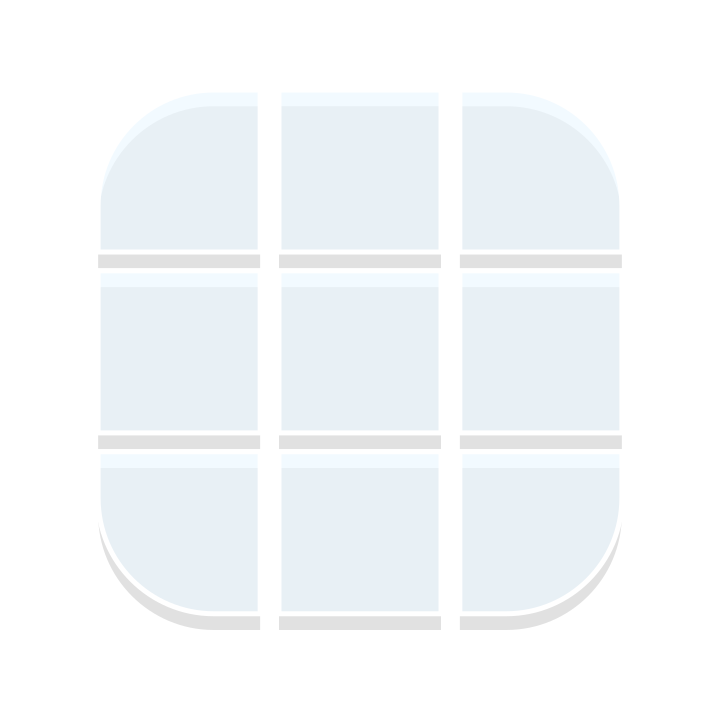
Jelly (Blue)
200 × 200
Jelly (Green)
200 × 200
Jelly (Purple)
200 × 200
Rounded Corners (Blue)
200 × 200
Rounded Corners (Dark)
200 × 200
Rounded Corners (Green)
200 × 200
Rounded Corners (Light)
200 × 200
Rounded Corners (Pink Trim)
200 × 200
Rounded Corners (Purple)
200 × 200
Word Bubble (Left)
200 × 200
Word Bubble (Right)
200 × 200
Frequently Asked Questions
What are nine slices?
Nine slices are a technique for creating scalable UI elements like buttons, panels, and dialog boxes that can stretch to any size without distorting the corners or edges.
The image is divided into 9 sections (4 corners, 4 edges, and 1 center). The corners stay fixed, the edges stretch in one dimension, and the center stretches in both dimensions.
Can I create custom nine slices?
Yes! Spritulus allows you to create custom nine slices by selecting from a variety of pre-made or imported assets and color schemes. You can adjust the slice widths and heights to control how your UI element scales.
You can start by copying an existing nine slice and then modifying its parts and slice dimensions to suit your needs, or you can build one from the ground up for truly unique UI elements.
How do I use a nine slice?
Nine slices are commonly used in game development frameworks like Phaser, PixiJS, and Unity. After creating your nine slice on Spritulus, you can export it as an SVG and use it with your chosen framework's nine slice functionality.
Explore More
Want to create your own art style?
While we offer a library of existing SVG parts, everything within Spritulus is customizable, including templates and animations.
Browse Templates >